
Table of Contents
- What You'll Need Before You Verify a Lowest Price Guarantee
- Price Match Policy Requirements: Eligibility and Identical Item Rules
- How to Collect Proof of a Lower Price from a Competitor
- How to Request a Price Adjustment: In-Store vs. Online Steps
- Common Price Match Exclusions That Get Claims Denied
- Post-Purchase Price Protection and Automated Price Tracking
- Conclusion
- Frequently Asked Questions
Last Updated: September 13, 2026
What You'll Need Before You Verify a Lowest Price Guarantee
A lowest price guarantee is a retailer's written promise to match or beat a competitor's advertised price on an identical item, usually within a set window after purchase (the FTC). Knowing how to verify lowest price guarantee claims starts with gathering the right documents before you contact anyone.
At Victory Construction Products, we field price-match questions from contractors and facility managers every week, and the pattern is consistent: claims that get approved are the ones submitted with complete paperwork on the first attempt.
Here's what to have ready:
- Your original transaction receipt or order confirmation number
- The competitor's current advertised price, dated and sourced
- The full product model number and SKU from both listings
- A photo or screenshot showing the competitor's item, price, and timestamp
- Your own contact details tied to the original purchase
The Federal Trade Commission's guidance on advertising claims makes clear that price-match promises are enforceable advertising claims, so a retailer that publishes one is expected to honor its stated terms. That cuts both ways: you can hold them to the policy, but only within the policy's exact conditions.
Price Match Policy Requirements: Eligibility and Identical Item Rules
Eligibility for a price match hinges on three things: the item must be identical, the competitor must be an authorized seller, and the request must fall inside the stated time limit. Miss any one of these and the claim is denied regardless of how large the price gap is. The first requirement is also the one most consumers get wrong, because 'identical' is a stricter test than most shoppers assume.
What Counts as an Identical Item
An identical item means the same manufacturer, same model number, and same SKU, with no substitutions (the FTC). A 24x24 access door from one brand is not identical to a 24x24 door from another, even if the dimensions match. Retailers check model numbers specifically because near-matches are the most common reason claims fail.
How to Verify Identifiers Before You File
Most guides tell you to compare prices. The real work is comparing identifiers. Pull the model number off your receipt and the competitor's listing side by side and walk through these checks in order:
- Manufacturer part number (MPN). This is the alphanumeric code the manufacturer assigns, and it is the single most reliable match point. It usually appears on the product page under 'Specifications' or 'Details,' not in the title.
- Retailer SKU. Each retailer assigns its own SKU, so SKUs will not match across stores. Use the SKU only to confirm you are looking at the same listing within one retailer's site.
- Universal Product Code (UPC) or GTIN. If both listings show a UPC, a match is strong evidence the items are the same. A mismatch is a red flag even when the MPN looks similar.
- Packaging revision or generation. Manufacturers quietly revise products, a 'Gen 2' or a revised carton, while keeping a similar name. A prior-generation unit at a lower price is not identical to the current one.
- Regional or channel variants. Some manufacturers build slightly different versions for warehouse clubs, contract channels, or specific regions. These often carry a suffix on the model number and are frequently excluded from matching.
- Bundle vs. standalone. A listing that includes an accessory, a battery, or an installation kit is a different SKU than the bare unit, even if the core product is the same.
A practical shortcut: copy the MPN from your receipt into the competitor's site search. If the search returns the exact listing, you have a match. If it returns a family of similar products, you do not.
Authorized Retailer and Local Ad Requirements
Competitor pricing only counts when it comes from an authorized retailer selling new, first-quality stock. Marketplace listings, third-party resellers, clearance outlets, and auction sites are typically excluded. Many policies also require the competing price to be a published local ad or a live listing on the competitor's own website, not a quote you received over the phone.
How to Collect Proof of a Lower Price from a Competitor
Proof of a lower price must show the item, the price, the seller, and the date, all in one verifiable record. A price without an identifiable source is not proof.
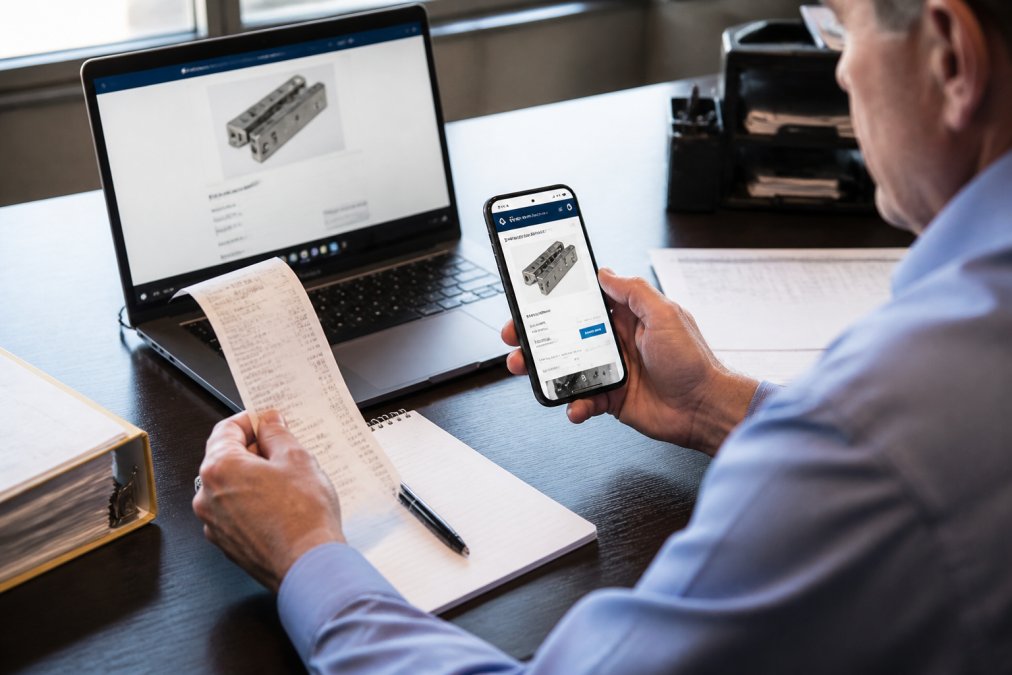
Digital Evidence Collection: Screenshots, URLs, and Timestamps
Digital evidence is where claims are won or lost. A clean submission includes:
- A full-page screenshot showing the competitor's URL bar, product title, and price
- The exact model number visible in the same image
- A visible date and time, or a screenshot taken with your device's clock in frame
- The live URL pasted into your request, not just an image
Save the original file. Cropped or edited images invite scrutiny, and a customer service representative comparing your screenshot against the live page needs the two to match.
How to Request a Price Adjustment: In-Store vs. Online Steps
How you file depends on where you bought the item, and the two paths have different timelines and evidence standards. Here is the sequence that works for each.
In-store purchase:
- Bring your receipt and your competitor evidence to the customer service desk
- Ask the representative to confirm the item is identical by model number
- Let them validate the competitor's price against their own system
- Request the adjustment in writing, and keep a copy of the approval
- Confirm how the difference is refunded, cash, card, or store credit
Online purchase:
- Open a customer support chat or submit the online request form
- Attach your screenshot, the live URL, and your order number
- Reference the specific policy clause you believe applies
- Ask for a case or ticket number before you end the conversation
- Follow up in writing if you have not heard back within the stated window
| Step | In-Store | Online |
|---|---|---|
| Evidence format | Printed ad or phone screenshot | Full-page screenshot plus live URL |
| Who validates | Customer service representative | Support chat or claims team |
| Typical proof needed | Receipt and model number | Order number and SKU verification |
| Refund method | Original payment or store credit | Original payment method |
The in-store path tends to resolve faster because validation happens in front of you. The online path leaves a written trail, which matters if the claim gets escalated.
Common Price Match Exclusions That Get Claims Denied
Most denials trace back to a short list of exclusions, and nearly all of them are disclosed in the store policy guidelines before you buy. The exclusions list typically covers clearance and closeout items, open-box and refurbished goods, bundle pricing, financing offers, gift card promotions, and prices from non-authorized sellers. Membership warehouse clubs and their member-only pricing are frequently excluded as well.
Timing is the other silent killer. Many policies require the request within a set number of days of purchase, and post-purchase price protection windows are often shorter than the return window. If you are past the deadline, a polite escalation may still work, but do not count on it.
Post-Purchase Price Protection and Automated Price Tracking
Post-purchase price protection is a policy that lets you claim the difference if the price drops after you buy, usually within a defined window. It is separate from competitor matching and often has its own, stricter deadline. Confusing the two is one of the most common reasons a legitimate claim gets filed against the wrong policy and denied.
Price Matching vs. Price Protection: The Core Difference
| Feature | Price Match | Price Protection |
|---|---|---|
| When it applies | At or near the time of sale | After you have already purchased |
| Whose price counts | A competitor's advertised price | Usually the same retailer's own later price |
| Typical window | Short, often same-day to a few days | Often 14 to 30 days, but varies by policy |
| Evidence needed | Competitor listing with MPN and date | Your receipt plus the retailer's new lower price |
| Common exclusion | Marketplace and member-only pricing | Clearance, flash sales, and limited-time promos |
A price match compares your retailer to someone else. Price protection compares your retailer to itself, later. If you bought an item and the same store drops the price next week, that is a price protection claim, not a price match. Filing it as a price match will usually get it routed to the wrong team.
How to File a Post-Purchase Price Protection Claim
- Confirm the item is still within the protection window stated in the policy.
- Capture the retailer's current lower price with the date visible.
- Locate your original receipt or order confirmation.
- Submit through the channel the policy specifies, many retailers require a form or chat rather than an in-store visit for online orders.
- Ask for a case number and confirm the refund method, since some policies refund to store credit rather than the original payment method.
Automated Price Tracking Tools
Automated price tracking takes the manual work out of this. Browser extensions and price-history services can log a product page over time, alert you when the price falls, and preserve a dated record you can attach to a claim. The key value is not the alert, it is the timestamped record, because a claim filed without a dated price capture is easy to dispute.
When choosing a tool, look for three things:
- Price history, not just current price. A tool that shows a chart of past prices helps you prove when the drop happened.
- Exportable records. You want a screenshot or PDF you can attach, not just an in-app notification.
- Coverage of your specific retailer. Not every tool tracks every store, and some exclude marketplace listings entirely.
A common pattern among frequent buyers is to set a target price alert the day of purchase, so the tracking window aligns with the protection window. That way, any drop that qualifies for a claim triggers an alert while the claim is still valid.
Victory Construction Products makes this easier on its own catalog by keeping model numbers, pricing, and submittals accessible online, so you can pull the exact documentation a claim requires without emailing back and forth.
Conclusion
Price-match claims fail on paperwork, not on principle, and the contractors who get paid back are the ones who treat verification as a documentation exercise. Victory Construction Products backs its catalog with a lowest-price guarantee, same-day shipping on most in-stock orders, and access to model numbers, pricing, and submittals directly on the site, all supported by stocking warehouses across 11 states and more than 27 years in commercial access hardware. Get started with Victory Construction Products and submit your next price-match request with the evidence already in hand.
Frequently Asked Questions
What documentation is required to verify a lowest price guarantee?
Most retailers require a transaction receipt or proof of purchase, a screenshot or URL showing the competitor's lower price, and the item's model number or SKU for verification. Some also ask for the competitor's name, the date you found the price, and whether the item is in stock. Keep your original receipt handy and make sure your screenshot includes a visible timestamp. Without a model number match, the validation process usually stalls.
How do I prove a competitor's price is lower for a price match?
Capture a screenshot of the competitor's product page showing the full price, the model number, and the URL. Include the date and time in the image. If the price appears in a local ad or email, save the original file or PDF. A customer service representative will compare your evidence against the competitor's current listing, so make sure the price is still live when you submit. Expired sales or member-only prices often fail verification.
Are there exclusions to lowest price guarantees I should know about?
Yes. Common price match exclusions include clearance items, open-box or refurbished products, membership-only pricing, bundled deals, and prices from unauthorized sellers or auction sites. Shipping and handling costs are often excluded from the comparison, so a lower sticker price with high freight can still fail. Some policies also exclude items sold below cost or limited-quantity promotions. Check the exclusions list before submitting your request.
Does a lowest price guarantee cover shipping and handling costs?
Most retailer policies compare the item price only, not the total delivered cost. If a competitor lists a lower price but charges freight that pushes the total above yours, the claim may be denied. Some policies do include shipping in the comparison when the competitor offers free delivery. Read the store policy guidelines carefully, and if shipping is excluded, ask the customer service representative whether a total-cost comparison is available.